
That difference matters more than most people expect. Axis configuration affects setup count, alignment risk, surface quality, machining time, programming complexity, material waste, and how much hand finishing a piece needs afterward. In one documented case, a mold shop cut its setups on a standard block from six or seven down to two after switching to 5-axis milling, and reduced post-heat-treat squaring from three hours to 20 minutes — though that's a single shop's result, not a universal rule according to a MoldMaking Technology case study.
The right choice depends on geometry, size, material, tolerances, finish, and your overall workflow — not axis count alone.
Key Takeaways
- 3-axis CNC works well for planar, 2D/2.5D, or accessible forms where simpler programming and lower cost matter most.
- 5-axis CNC reaches compound angles, undercuts, deep features, and continuous curves with fewer repositioning steps.
- A 5-axis machine can be overkill for large or simple forms headed for heavy hand shaping, sanding, or coating.
- Compare total project impact (setup, programming, fixturing, finishing, and installation), not just machining rate.
3-Axis vs 5-Axis CNC: Quick Comparison
| Factor | 3-Axis CNC | 5-Axis CNC |
|---|---|---|
| Cost and setup | Lower machine and programming cost; multiple part orientations may require re-fixturing | Higher equipment cost, often offset by fewer setups on genuinely multi-angle parts |
| Axis movement | Tool moves along X, Y, and Z linear axes | Adds two rotary axes (commonly labeled A, B, or C) for changing tool or part orientation |
| Geometry fit | Flat faces, pockets, profiles, reliefs, accessible contours | Compound angles, undercuts, deep cavities, continuous organic surfaces |
| Accuracy risk | Repositioning between setups can introduce datum-alignment error | Completing more features in one clamping avoids that specific error source |
| Programming | Simpler CAM workflows, broader operator availability | More demanding CAM, collision checking, and post-processor setup |
Here's the nuance the table can't fully capture: fewer setups on a 5-axis machine don't automatically mean a faster or cheaper job. Siemens' own mold-making documentation notes that simultaneous 5-axis work brings more programming effort and higher collision risk, even as it can produce more uniform surfaces without visible transitions between passes.
Both machine types still typically need downstream work — sanding, filling, painting, casting, or assembly. Axis count changes how you get to a finished surface, not whether finishing happens at all.
Understanding 3-Axis and 5-Axis CNC
What Is 3-Axis CNC?
A 3-axis CNC machine moves its cutting tool along the X, Y, and Z linear axes while the workpiece generally stays in one fixed orientation per setup. Think of it as a precise vertical drop-and-carve motion across a flat plane.
This setup handles:
- Profiles, pockets, and drilled features
- Planar surfaces and shallow reliefs
- Many 2D and 2.5D forms
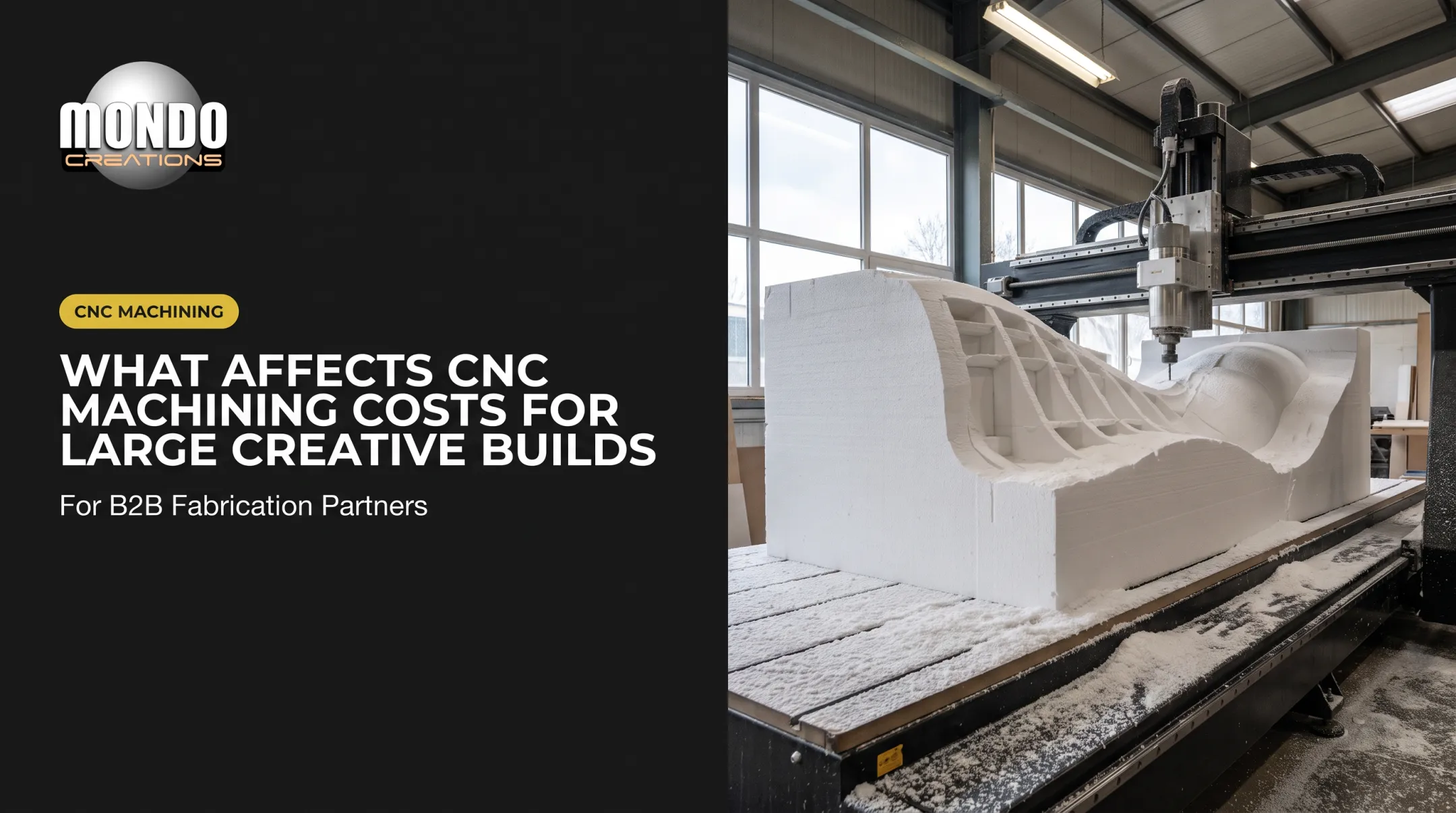
- Accessible 3D shapes approached from a top-down orientation, like roughing a foam block, panel, or sculpture base
The appeal is straightforward: simpler CAM programming, accessible fixturing, wider machine availability, and easier operator training. Most fabrication shops can run 3-axis work without specialized expertise.
Use Cases of 3-Axis CNC
In complex fabrication workflows, 3-axis machining typically handles:
- Roughing large foam blanks before detail work begins
- Producing masters or patterns for molds
- Machining sections that can be flipped or repositioned between operations
- Creating forms for manual refinement: rough shapes destined for hand sculpting, sanding, or coating
The limitation shows up when a part needs features on multiple faces. Each repositioning adds setup time and introduces alignment risk. Compound angles can be difficult or impossible to reach without changing the part's orientation manually between cuts.
What Is 5-Axis CNC?
A 5-axis CNC machine combines the same three linear axes with two rotary axes, letting the tool, workpiece, or both change orientation relative to each other. Exact machine configurations vary by manufacturer and model.
Two distinct approaches exist:
- 3+2 indexed machining: the rotary axes position the workpiece or tool at a fixed angle, then cutting happens using only the linear axes
- Simultaneous 5-axis machining: rotary and linear movement happen together, during the cut itself, letting tool orientation shift continuously across a surface

The operational payoff: better access to curved and angled surfaces, fewer total setups, more consistent tool orientation, and the ability to machine forms that would otherwise demand extensive fixturing or manual intervention between passes.
Use Cases of 5-Axis CNC
5-axis capability earns its complexity on geometry like:
- Organic sculptural forms with continuously changing curvature
- Compound-angle details and deep cavities
- Undercuts that a fixed-orientation tool simply can't reach
- Turbine-like surfaces, impellers, or character elements requiring constant orientation changes
The trade-offs are real: more demanding CAM programming, collision avoidance planning, machine-specific post-processors, and operator expertise that isn't as widely available. 5-axis machining doesn't eliminate design review or finishing. It changes which problems you solve digitally versus by hand.
Mondo Creations' Large Scale 5-Axis Machining service reflects this reality directly. Rather than treating multi-axis milling as a default, the studio evaluates each sculpture or installation to determine whether the added setup reduction and surface continuity actually justify the programming overhead.
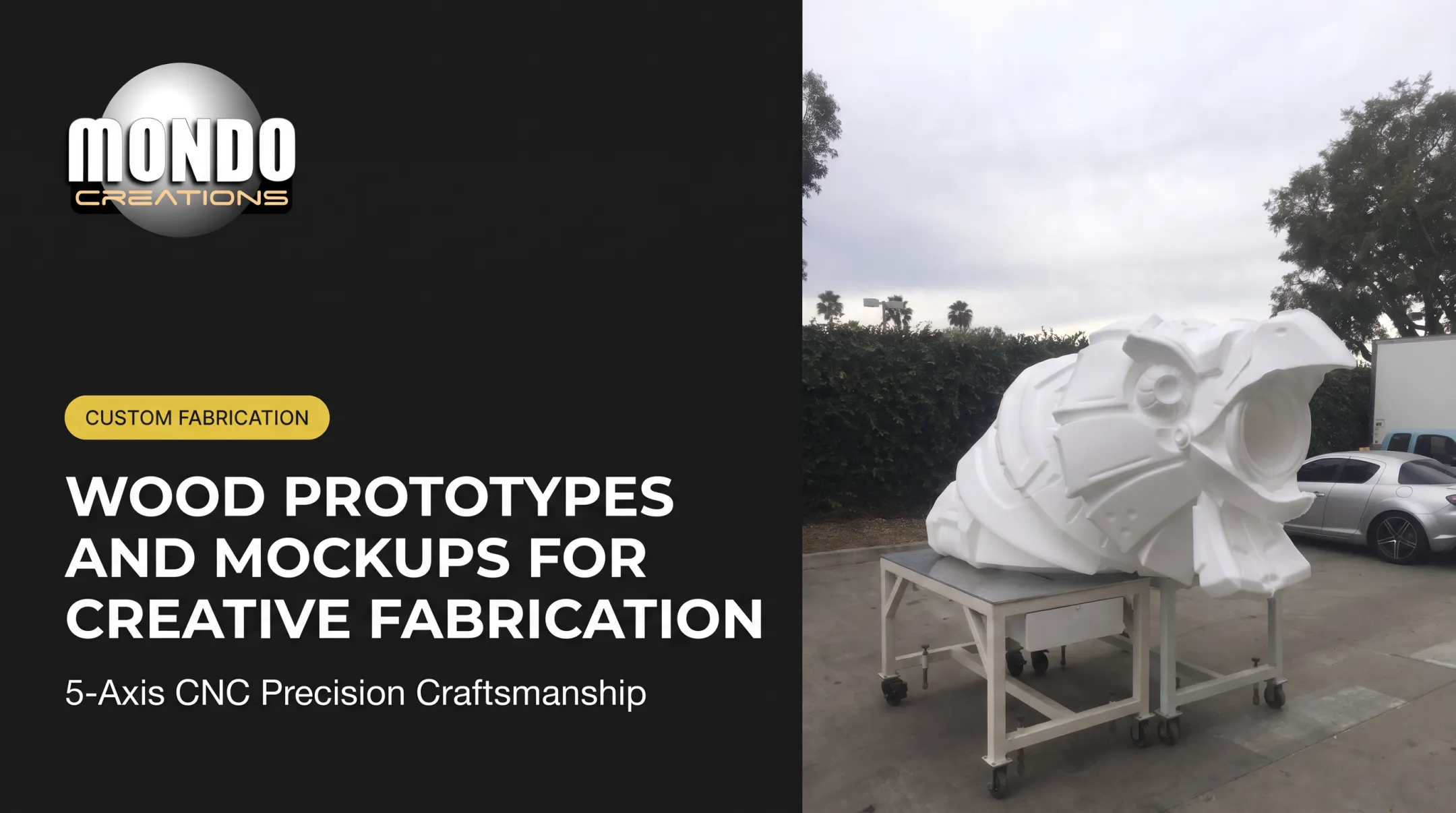
When the geometry calls for it, that work includes cutting oversized props, curved forms, and master patterns from foam, wood, or tooling board.
3-Axis vs 5-Axis CNC: What Is Better?
There's no universal winner here. Choose 3-axis when geometry is accessible and the project benefits from simpler programming and large-format roughing. Choose 5-axis when tool access, compound surfaces, or setup reduction are central to the job.
Start With Geometry
Before anything else, map out:
- How many faces need machining, and from what orientations
- Whether undercuts or deep pockets exist
- Compound angles or tight minimum radii
- Areas where the tool must hold a specific angle to avoid gouging
Then Evaluate the Full Workflow
Axis count is one variable among many. Also weigh:
- Material type and block size
- Tool reach and fixturing requirements
- Roughing versus finishing pass strategy
- Manual finishing, assembly, painting, or casting steps
- Transport and installation constraints
Compare Total Cost, Not Just Machine Rate
A lower hourly machine rate doesn't always mean a cheaper project. Factor in CAM programming time, fixture design, setup changes, inspection, scrap or rework risk, and the labor cost of manual finishing.
Documented factors supporting 5-axis investment include reduced handling and fixturing, plus (in at least one mold-shop case) eliminated downstream grinding. None of this sets a fixed dollar premium for sculptural or artistic fabrication, so treat generic cost claims with skepticism.

Situational recommendations:
- Go 3-axis for straightforward profiles, accessible surfaces, large roughing operations, flexible-finish prototypes, and projects where multiple setups are manageable
- Go 5-axis for compound-angle geometry, enclosed features, continuous organic surfaces, and tight feature-to-feature relationships where repositioning creates real risk
- Get a technical review when a project combines large scale, unusual materials, tight tolerances, complex finishing, or installation-critical dimensions
Real-World Examples and Project Planning
Two Documented Cases, Two Different Approaches
A boat manufacturer needed a contoured prototype form die to shape 0.020-inch perforated aluminum components. The fabricator built the die from laminated 3/4-inch MDF sections and ran it entirely on a 3-axis machine: horizontal roughing, parallel pre-finishing, and finishing passes, plus profiling and 20 quarter-inch holes.
The surfaces were complex but accessible from one orientation, so 3-axis motion handled the job without needing rotary access.
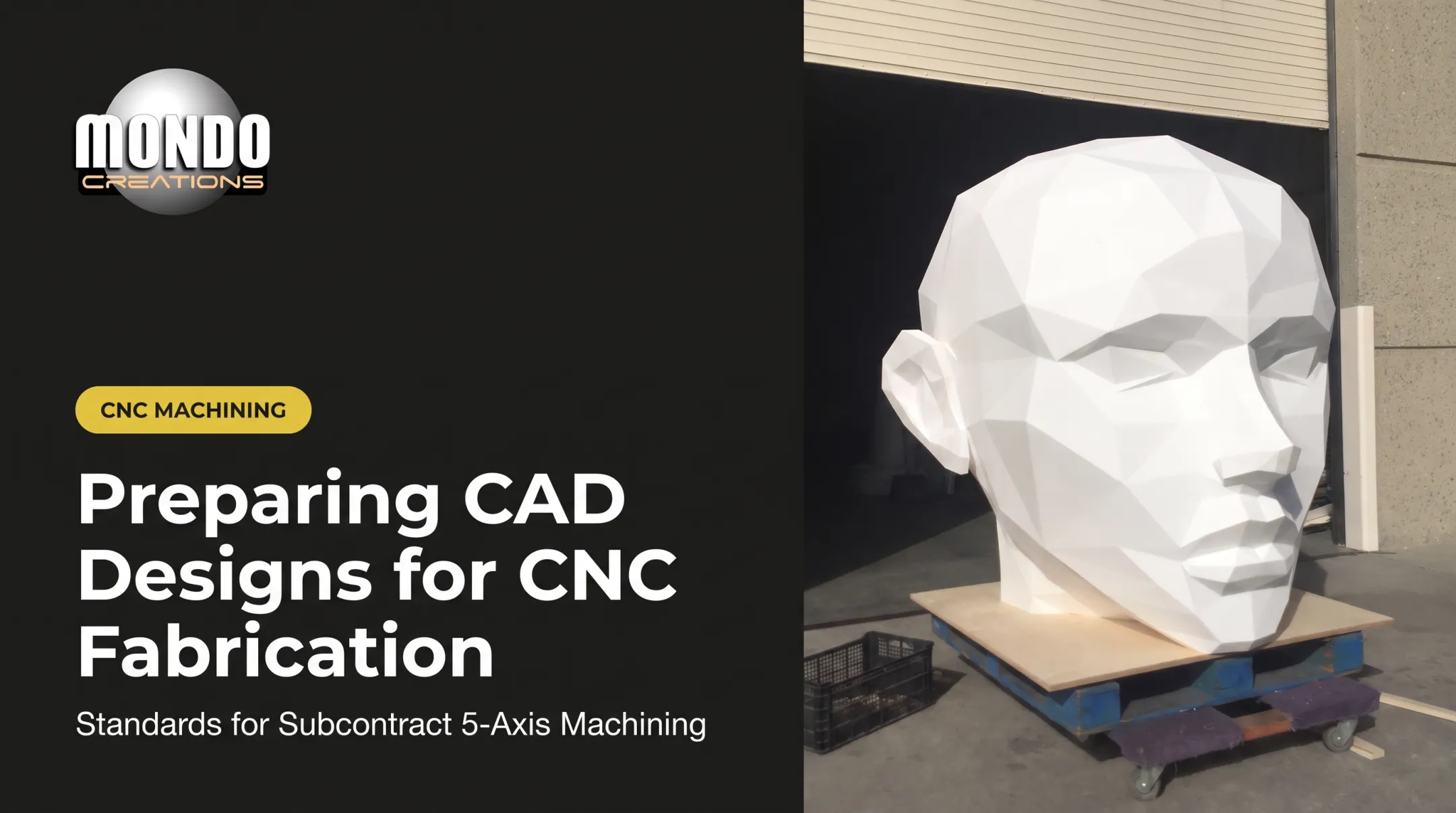
Contrast that with Cordek's work on the sculptural formwork for Dream, a public art piece with a head made of 54 individual panels. The team rough-machined high-density EPS profiles on a 13-meter 5-axis machine to 10mm below the finished surface, applied roughly 20mm of dense polyurethane foam, then used a 10mm tool at 1–2mm stepover for final detailing.
Final-detail machining took up to 20 hours per unit, with molds shipped within three months according to Cordek's published case study.

Neither case proves one axis configuration is universally faster. They simply show the geometry dictating the method.
Foam Sculpture Scenario
For a large foam sculpture or themed installation:
- 3-axis roughing plus hand refinement often makes sense when the final surface will be sanded, textured, or painted anyway, as with the foundational foam build under a large themed sculpture
- 5-axis access becomes worthwhile when seams from repositioning would show, or when compound curves make manual correction genuinely difficult. Large continuous-curve pieces benefit most, where smooth geometric surfaces matter for the finished look
Project Handoff Checklist
Before quoting any complex fabrication project, gather:
- CAD or 3D model file (.stp, .step, .stl, .obj, or similar)
- Overall dimensions and material/density requirements
- Desired tolerances and surface-finish expectations
- Areas requiring undercuts or compound angles
- Quantity, deadline, and transport/assembly needs
- Installation requirements at the final venue
If you're developing a custom sculpture, branded environment, themed installation, or complex fabrication project, share your model, drawings, dimensions, materials, and timeline with Mondo Creations for a feasibility review and accurate quote.
Conclusion
3-axis CNC is the right tool when it matches the part's geometry and finishing workflow, especially for accessible forms and straightforward roughing. 5-axis CNC earns its added complexity when multi-angle access, continuous curvature, or genuine setup reduction improves the outcome.
Before picking an axis configuration, walk the entire fabrication path: digital model, machining strategy, finishing, assembly, transport, and installation. The axis count is just one decision inside a much larger project plan.
Frequently Asked Questions
What is the difference between 3 and 5-axis CNC?
A 3-axis machine moves its tool along X, Y, and Z linear axes only. A 5-axis machine adds two rotary axes, letting the tool or workpiece change orientation — which affects what geometry each can reach without repositioning.
What axis configurations are available for CNC machines?
Configurations vary by manufacturer: 3-axis uses X/Y/Z, 4-axis adds one rotary axis, and 5-axis adds two. Higher-numbered systems like 6- or 9-axis often combine milling, turning, or robotic movements rather than simply stacking more rotary axes.
What does 4-axis CNC mean?
4-axis CNC adds one rotary axis to the standard X, Y, Z setup. It can run in indexed mode (rotate, lock, then cut) or continuous mode (rotate while cutting), suiting cylindrical surfaces and arc-based features.
Is 5-axis CNC always better than 3-axis CNC?
No. It's more capable for compound geometry, but not automatically more economical or necessary. The right choice depends on geometry, tool access, setup count, tolerances, material, finish, and available operator expertise.
When should I choose 3-axis CNC for a complex fabrication project?
Choose 3-axis for accessible surfaces, large foam roughing, planar or relief geometry, simpler prototypes, and projects where hand finishing or a few manageable setups are already part of the plan.